LOOMLE

Agent-native Unreal Engine MCP server for Blueprint, Material, PCG, and Widget workflows.

Install LOOMLE Start with the Quickstart

LOOMLE helps Claude Code, Codex, and other MCP-compatible coding agents operate Unreal Engine through clear tools that match UE semantics. It does not ask agents to guess internal node classes, invent graph transformations, or treat UE assets as generic JSON.

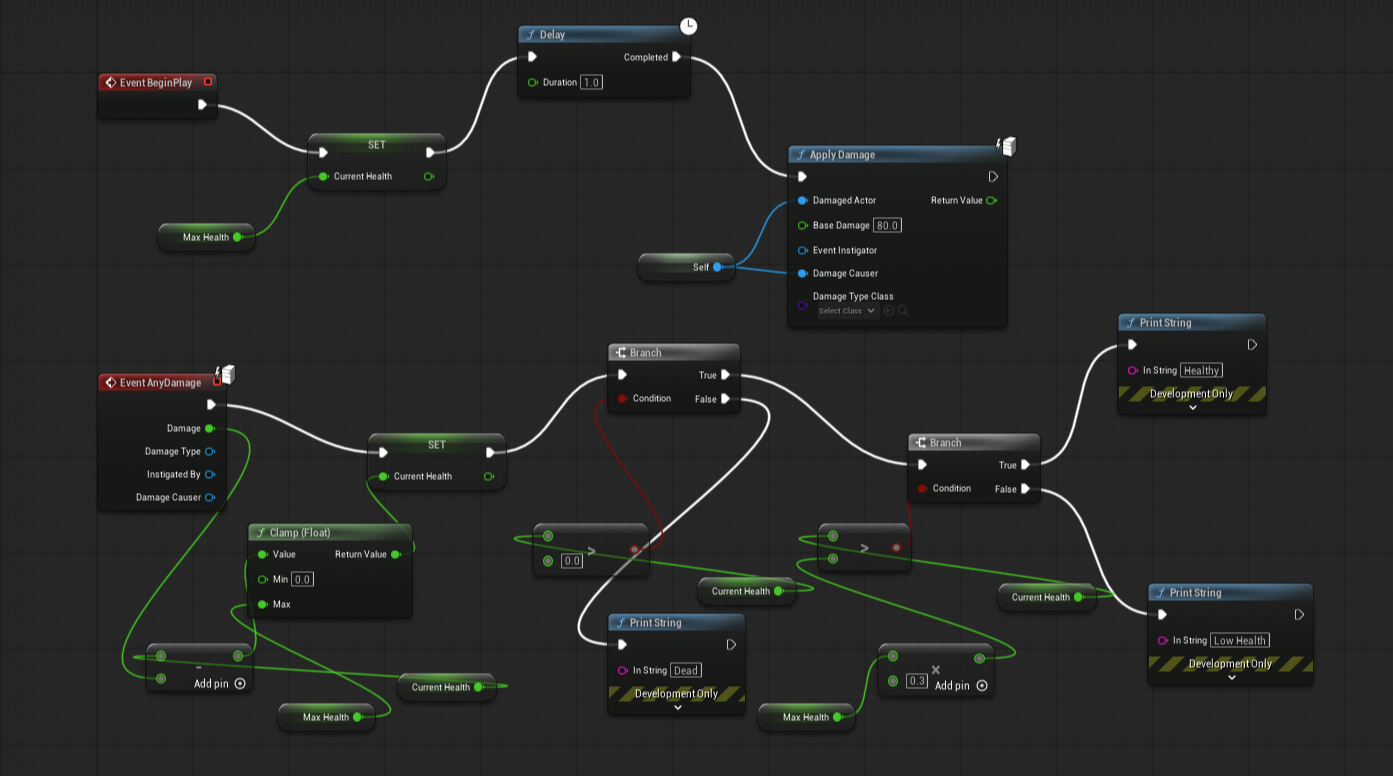
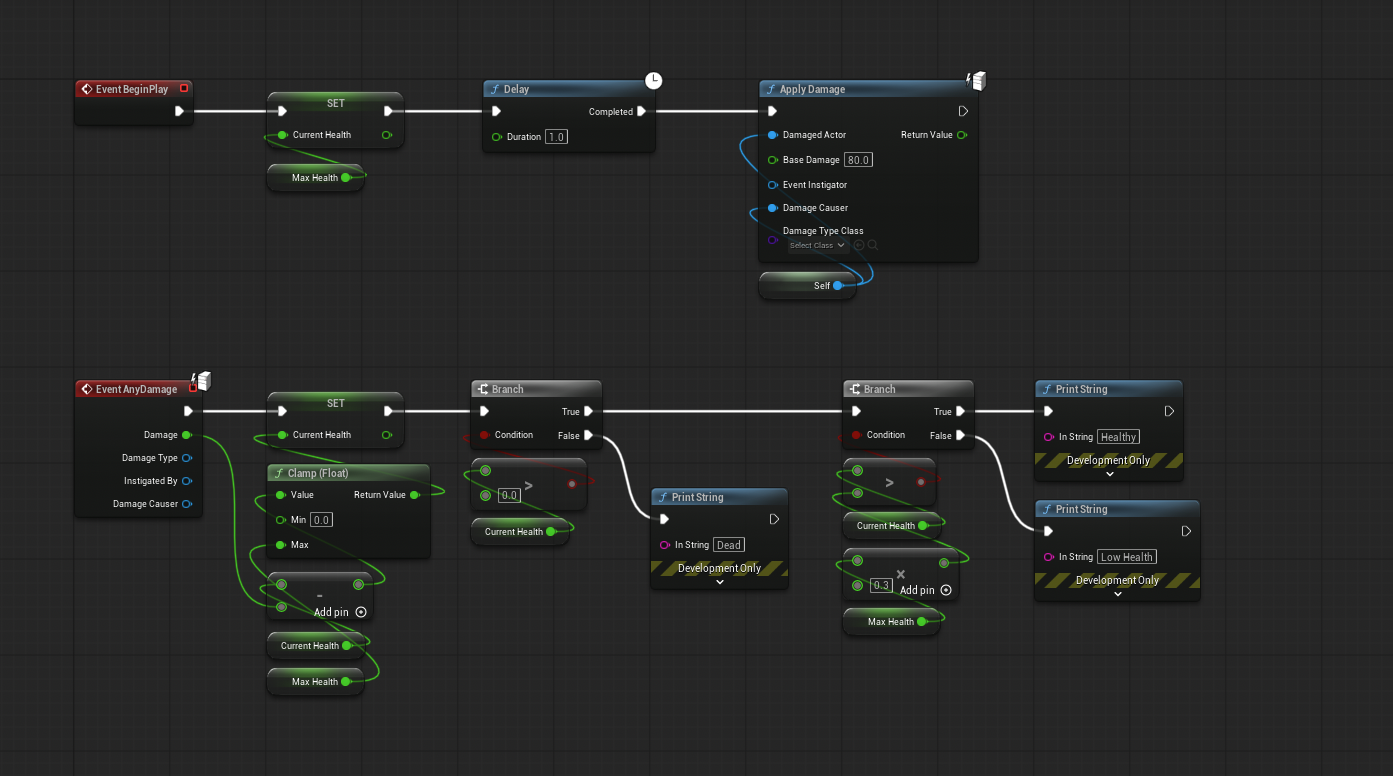
Use it when an AI agent needs to inspect or edit a real UE project: Blueprint graphs, Material graphs, PCG graphs, UMG WidgetBlueprints, asset metadata, editor context, compile diagnostics, and play sessions.

What LOOMLE Provides

  • Two install paths: a native global CLI from this website, or an Unreal-first install from Fab.
  • An MCP server for Claude Code, Codex, and other MCP hosts.
  • A UE editor bridge plugin loaded by Unreal Editor.
  • UE-semantic tools for assets, Blueprint, Material, PCG, UMG widgets, editor focus, diagnostics, logs, and play sessions.
  • Palette-driven creation so agents use UE’s own creation model instead of guessing classes.
  • Compact first-level schemas with schema_inspect for detailed operation schemas when a tool intentionally has a second layer.

Why LOOMLE Exists

Unreal Python is useful for basic editor automation, but many valuable editor workflows sit behind UE’s own C++ editor APIs, graph schemas, palette actions, K2 nodes, pin reconstruction, compiler behavior, and asset-specific editors.

LOOMLE exposes those workflows as explicit agent tools instead of treating the editor as a generic script box. The goal is not prompt-to-game magic; it is a reliable UE-native control surface for agents working inside existing projects.

How It Works

LOOMLE has three moving parts:

  • MCP server: the process your AI host starts. The native install provides loomle mcp; the Fab install can use the Python MCP server bundled with the Fab plugin.
  • Unreal bridge plugin: LoomleBridge, loaded by Unreal Editor through either a project-local plugin install or Fab/Epic Launcher.
  • Project attach: the current MCP session uses project_list and project_attach to select one online Unreal project.

Both install paths expose the same tool surface after attach. Native install is best for CLI-first workflows and direct updates. Fab install is best for Unreal-first users who want Epic Launcher to own the plugin install and update.

Usage Model

LOOMLE exposes Unreal Engine in terms that agents can use reliably, while staying faithful to UE’s own concepts and execution paths.

In practice:

  • Start from the active UE editor state with context when the user already has an asset open or selected.
  • Inspect before editing, then use the domain tool that matches the UE concept: Blueprint, Material, PCG, Widget, asset, project, or editor.
  • Use palettes for creation so agents follow UE’s own creation model instead of guessing classes.
  • Use schema_inspect only when a tool description says operation-specific arguments are intentionally omitted from tools/list.

Start with Install, then follow the Quickstart.

Also Known As

If you are searching for an Unreal Engine MCP server, UE MCP, Claude Code Unreal tooling, Codex Unreal integration, Blueprint MCP, PCG MCP, UMG MCP, or AI agent tooling for Unreal Editor, LOOMLE is built for that workflow.


This site uses Just the Docs, a documentation theme for Jekyll.